portada

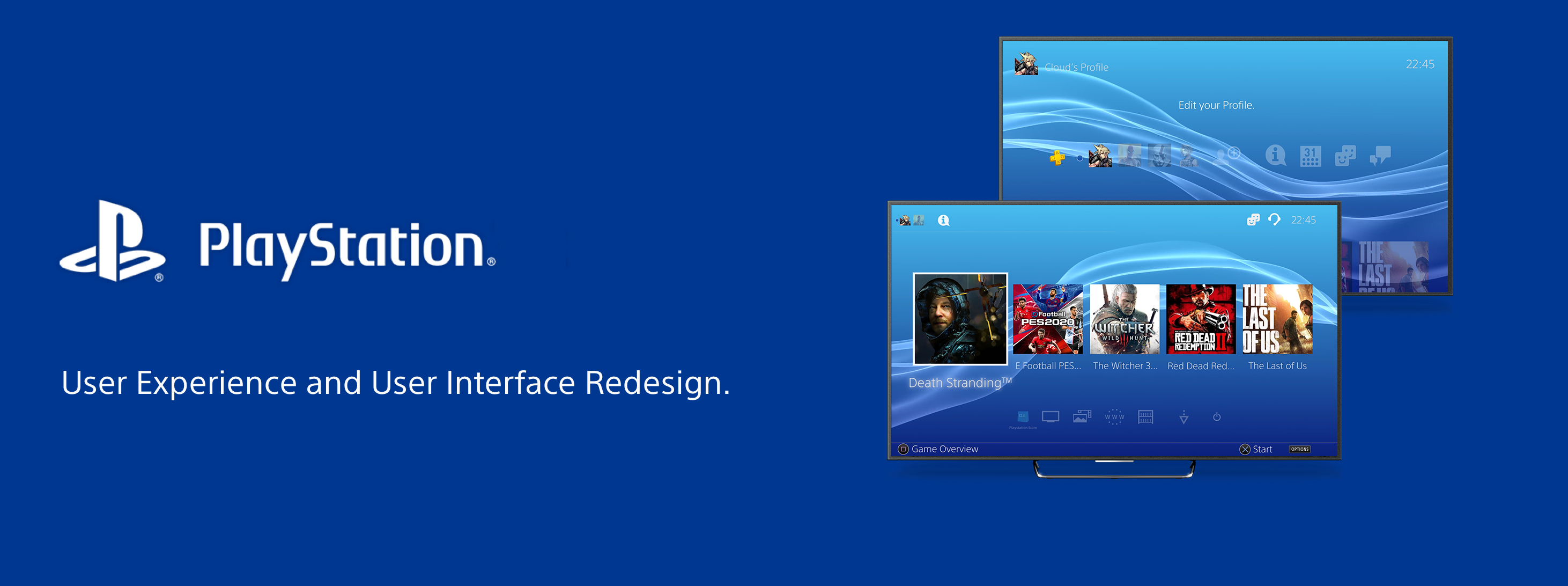
Playstation 4 UI Redesign


For this project at @Ironhack I was instructed to "Add a Feature" to an existing App, Website or Client that I deemed necessary, supported with some research. Time constraint was one of the key aspect for this project, as we had to deliver the design with almost no time. We only had two weeks to research, design and present the project to our colleagues.

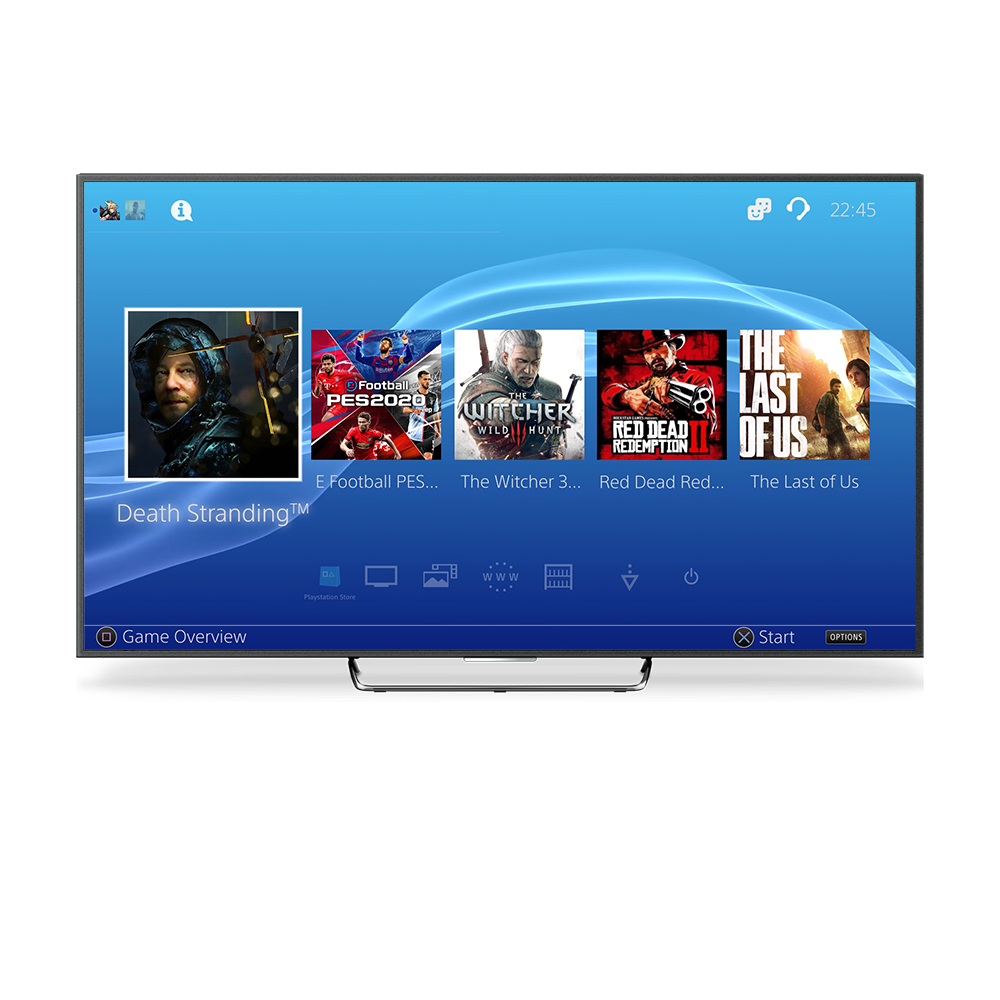
At first, I planned on simply adding some simple missing features to the Playstation UI or Orbis OS but after speaking to many users it was clear to me that most of them were not happy about how Sony had designed their UI.

With this insight in hand, I decided to tackle the most urgent issues regarding the UI, as well as adding some features.

Since It was clear to me that I would not be able to test this project due to lacking software that I could pair to a Dualshock 4, the PS4 controller, I decided to fully animate the prototype and ask for feedback to my users.

Research

Guerrilla Interviews - Check the notes from the study here.


Due to the mentioned time constraints, I had to choose effective methods of research that would not require me to invest too much time in it.

For this reason, I considered that the best method for this project would be to conduct User Guerrilla Interviews.

Being this said, It was necessary for me to target the appropriate user's as not only I had to select Console Users but I had to only choose those that had used a PS4 before.

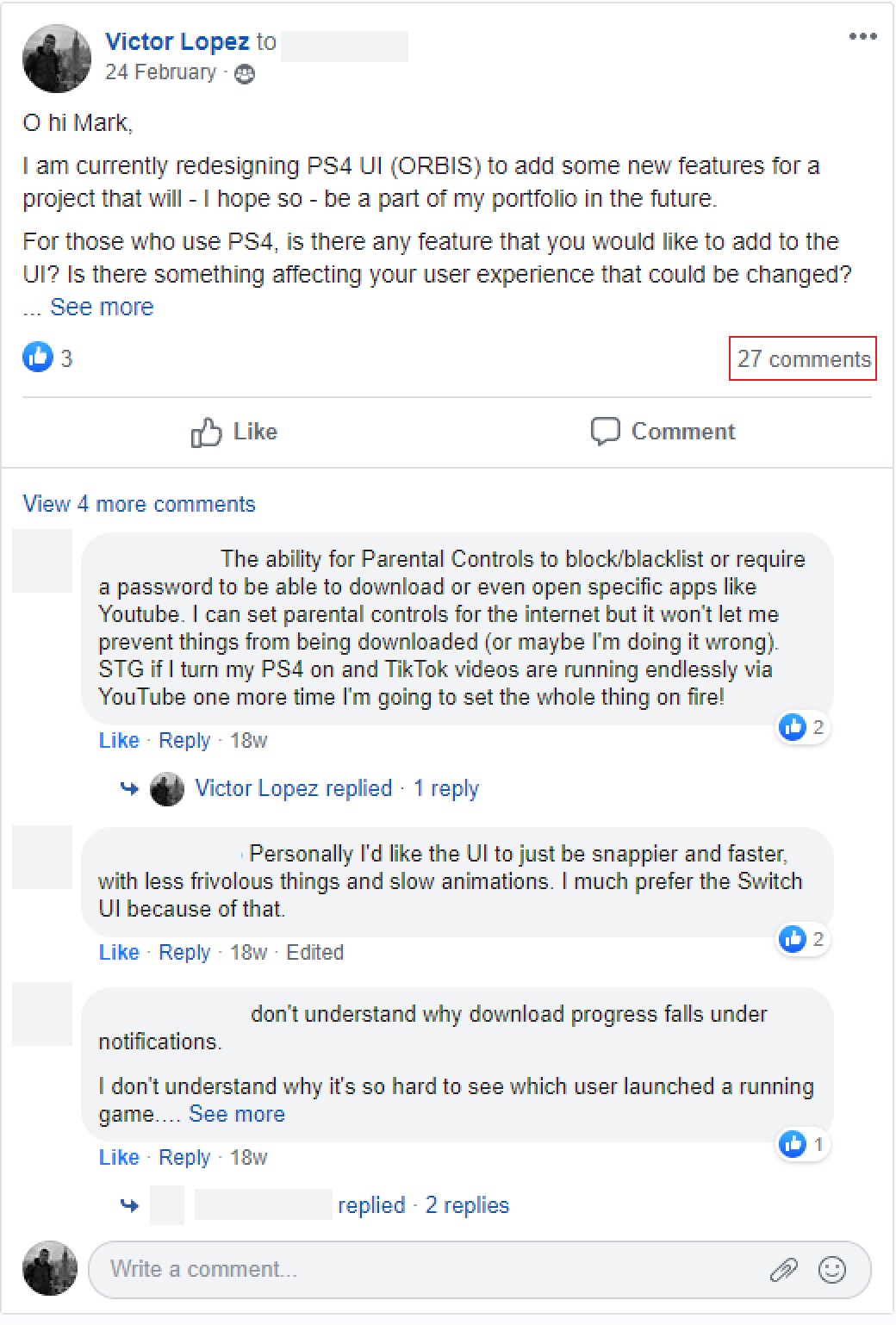
I was lucky enough to speak to Booking.com Gaming Community, as I had access to it due to working there, and they gave me beautiful insights during the research and the design process.
graphic
Fig. 1 "I contacted people from Gaming Forums to know about their thougts"

Now, what?


To have a good mental map of what was going to happen during the design process, I decided to label every proposal that user's raised and organised them by how complicated to address they were.

I used an etiquette system that allowed me to discard those proposals that were too big for me to solve - Labelled as "L" for large and "M" for medium - and worked on those that I could fix within the time constraints that I was under - Labelled as "S" for small or "XS" for extra small.

Design

Wireframes

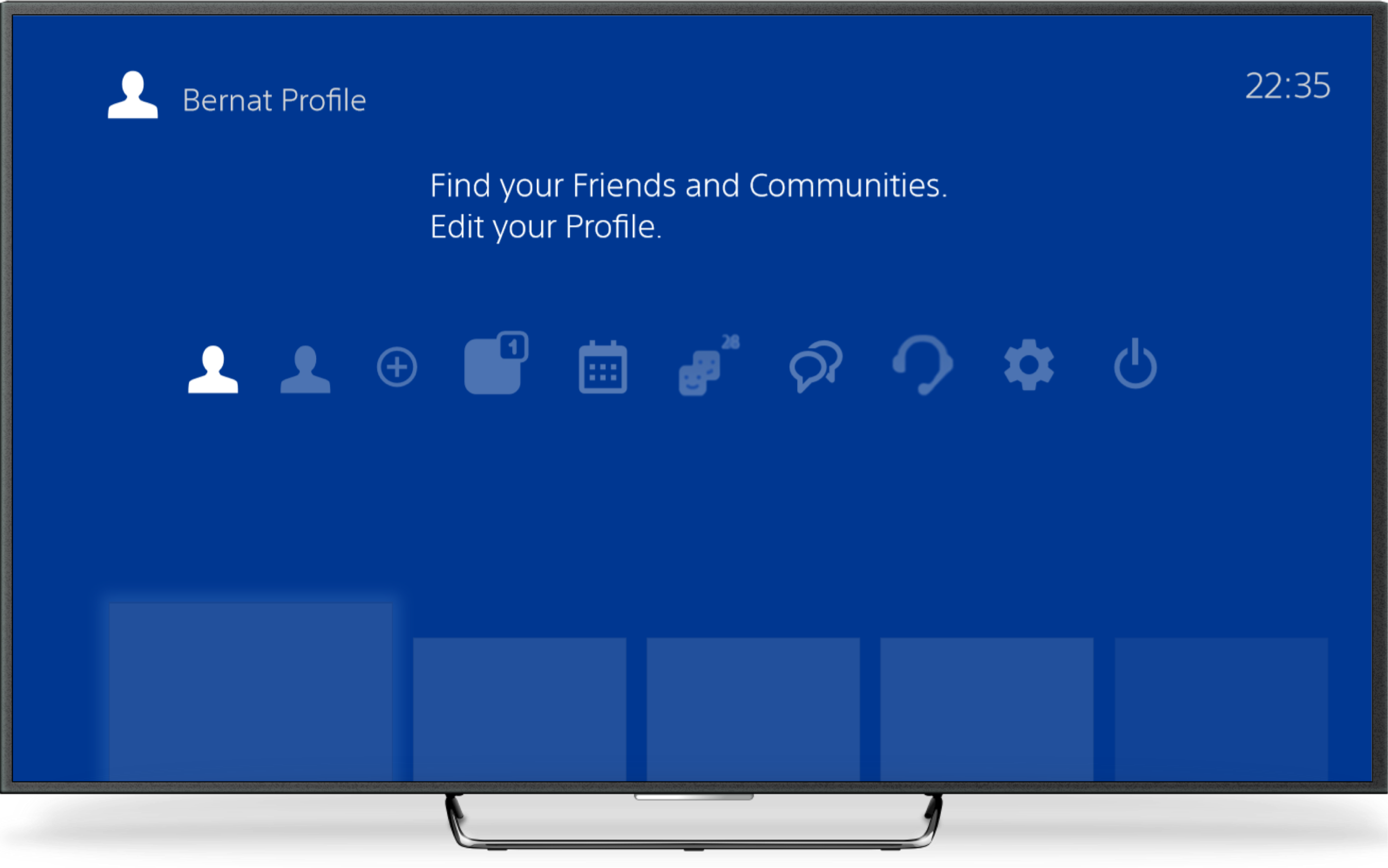
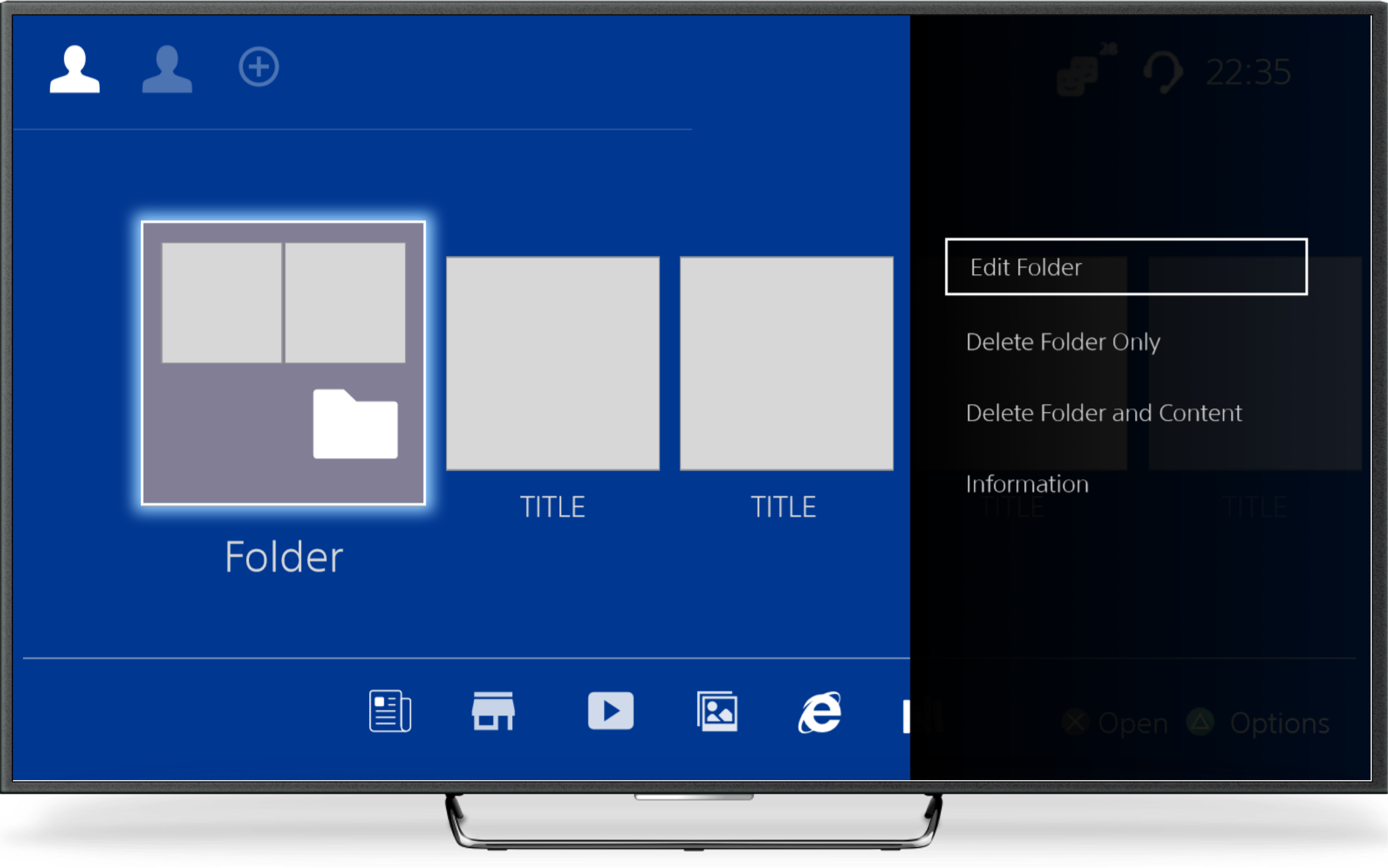
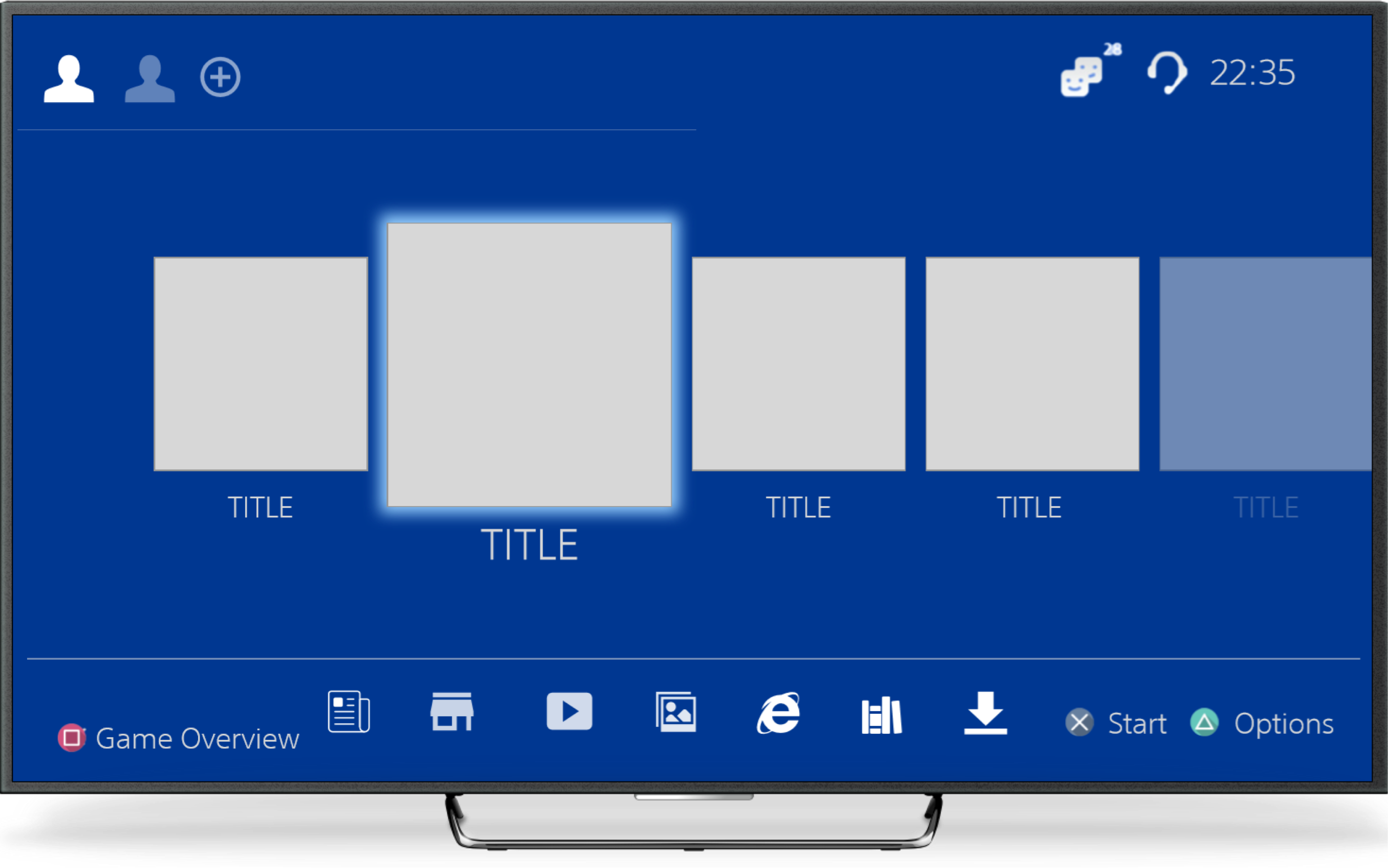
At the beginning of my design process I created wireframes for testing purposes. My main goals were:

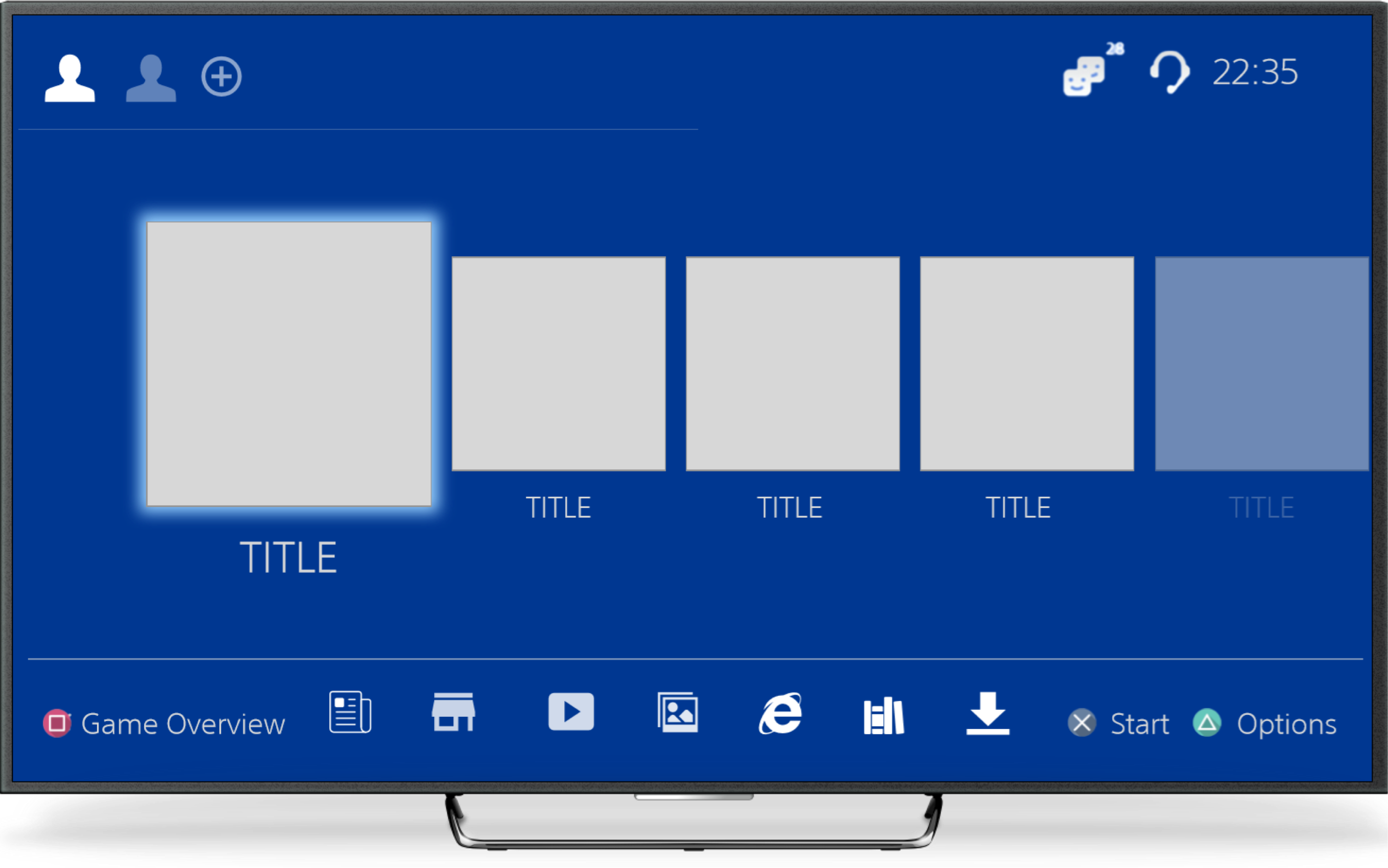
  • Organize the UI and separate Games / Media / Settings.
  • Creating a multi profile feature to switch profiles without navigating through screens.
  • Game Centered UI.
  • Users praised the Nintendo Switch UI, and I tried to emulate their success when creating a easy-to-use interface.
Wireframe

User Feedback


Before designing my High Fidelity Prototype, I did a questioning round in order to reveal possible usability problems.


Wireframe


UI Design


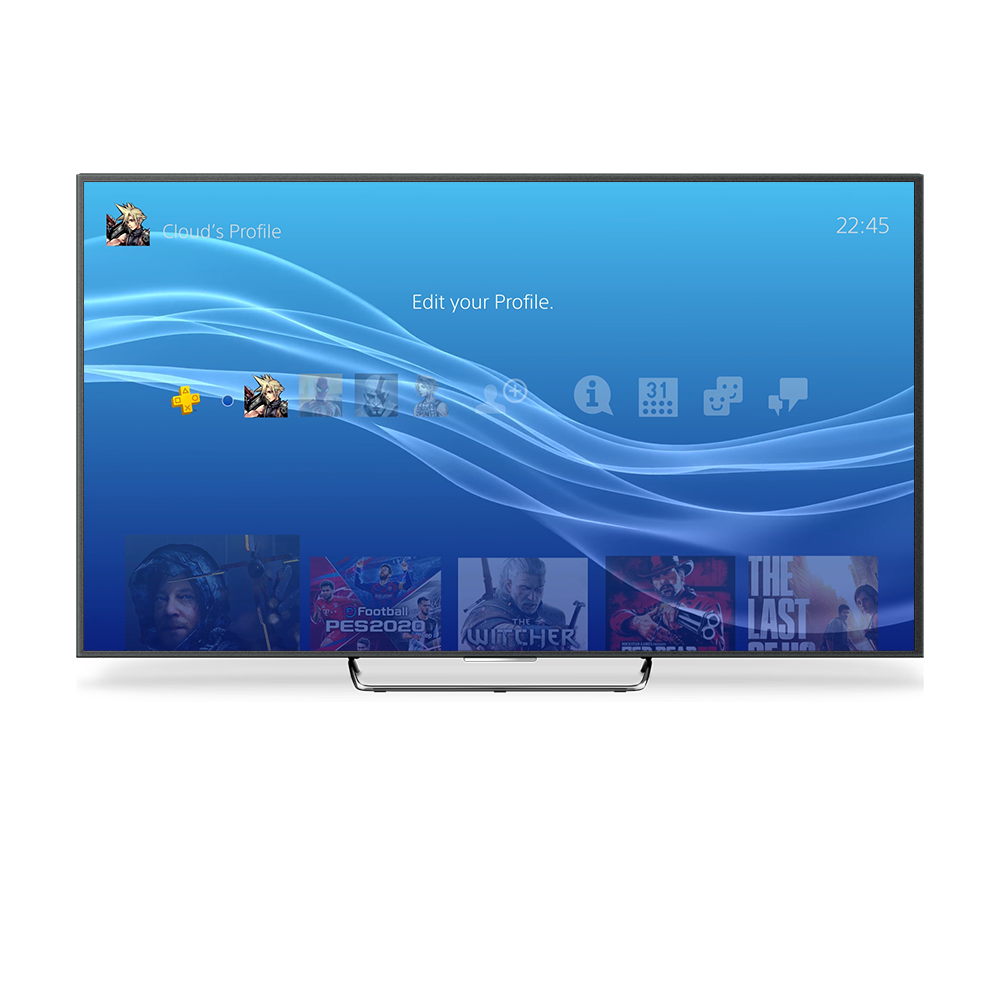
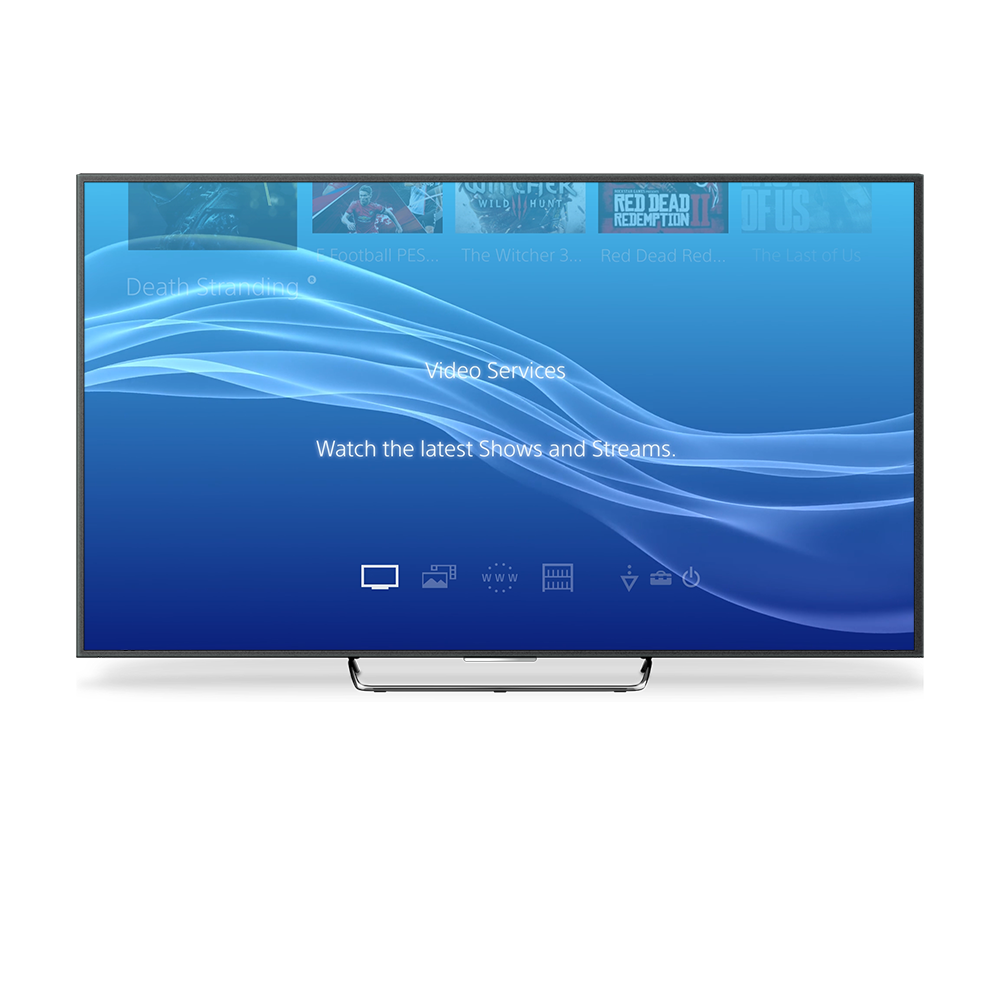
Now that I had a clear Idea on what to do next, I decided to design the high fidelity prototype.


  • I applied Sony PS4 Style Guide, available online.
  • The project was fully animated using After Effects and Premiere Pro. A version with complete sound effects is available here.
  • I manually replicated all of Sony's Icons using Sketch.
  • I'm proud of the overall result, as all of my users have informed me that this UI looks fresh and easier to use. Users are happy to be able to change profiles without navigating through several screens, as they have this available now at the top menu.

Animated Prototype


"How can I install this to my PS4?"

Anonymous feedback provided by a user